Money · the Money tab
Know where the month went, before it ends.
Budgets by category, expenses logged in seconds, and a Month in Review with 7 rule-based insights. Then close the month and move on.
- Insight rules7
- Savings rate31%example
- Largest overspendEating outexample


What is inside
Three things Money does, on real screens.


Budgets and Daily expenses are in Free. Month in Review is part of Plus.
See it move
What it feels like, in motion.
A real flow replayed with example figures. Nothing here is an app screen; the screens above are the real ones.
Daily expenses
Month in Review · September
In the app today
Money, sorted by what needs a look.
Money leads with what is safe to spend this week and the categories that need a look, then every budget with its limit. Month in Review sets each category against its budget and keeps a four-month trend in view.
- Every category shows its limit; tap one for three suggested amounts
- Month in Review, actual against budget, with a four-month trend
- Everything else, grouped by how often you need it
Real screens from the app, captured on 23 September 2026 from a demo household. Names and figures are examples.

Month in Review, actual against budget
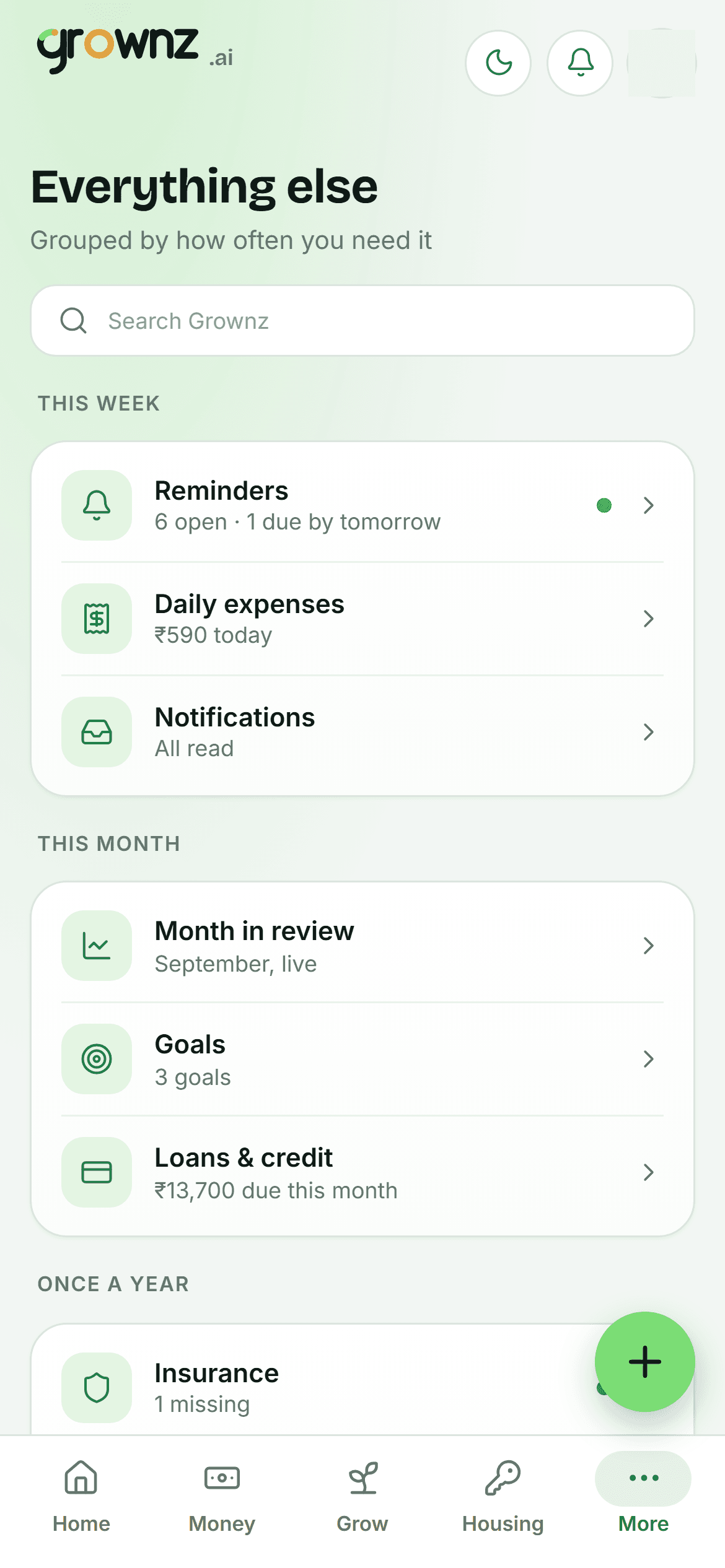
Everything else, grouped by how often you need it
Where it fits
Built for stage 2, useful from stage 1.
Budgets set for every category and a first month closed are the milestones that unlock stage 3, Growing.
- First Job
- Getting Stable
- Growing
- Building Wealth
- Big Commitments
Questions
About Money.
How fast is logging an expense?
Amount, a category button, save. Notes, bills with a due date, tips and receipts are optional extras on the same form.
What does Month in Review actually catch?
7 rule-based insights: total versus budget, the largest overspend, the best-controlled category, your savings rate, chronic overspend across months, money moved to passive assets, and mid-month pace.
Do bills create reminders?
Yes. Mark an expense as a bill with a provider and due date and a reminder is raised for it.

